
Picture an ordinary morning on a modern software team. An AI coding agent has worked through a task list overnight: reading files, running tests, writing code, pushing commits. A second AI session reviews that work over coffee. A self-hosted CI runner has built every change.
Now count how many things can read the project folder:
two AI coding sessions, each opening whatever files they decide are relevant;
a CI runner checking the repository out on every push;
a Docker build that copies the project into an image;
the Git host itself;
every log, test report and crash report those tools produce;
every chat where someone pasted an error message.
None of them is careless. All of them were designed to read the project; that is their job. Which leads to the one observation this whole guide rests on: anything inside the project folder will, sooner or later, be read by something you did not think about.
What follows is how to hold that rule in practice: what counts as a secret, seven rules that keep values out of reach, how production receives them without anybody copying them around, and what to do when one escapes anyway.
What counts as a secret
It is broader than "the database password":
Kind | Examples | If it leaks |
|---|---|---|
Credentials | Database passwords; API keys for SMS, messaging, email and payment providers | Someone spends your money, messages your customers as you, or reads your data |
Signing keys | The key that signs login tokens or data handed to devices | Someone forges a login, or a record that looks genuine |
Encryption keys | The key that seals personal data inside the database | Sealed data becomes readable. And if the key is lost, that data is gone for good |
Tokens | Runner registration tokens, deploy tokens, OAuth refresh tokens | Someone runs code on your machines or deploys to your servers |
Access-granting connection details | A database URL with a password in it; storage write credentials | The same as credentials |
Some things feel sensitive and are not secrets: a public key, a bucket name, a region, a port. Those can live in the project. The test is short: if knowing it lets someone act as you, it is a secret.
Why .gitignore is not enough
The classic advice is "put secrets in .env and add it to .gitignore". That keeps them out of Git. It does not keep them out of everything else that reads the folder:
AI coding agents explore the working tree, and a file called
.envbeside the code is exactly what an agent opens to "understand the configuration". Once read, the value is in the conversation, and conversations get summarised, logged and sometimes pasted elsewhere.Docker builds.
COPY . .copies ignored files too, unless.dockerignorealso excludes them. Two ignore files must now agree, forever.Backups and sync tools: Time Machine, cloud-drive sync, the zip you send a colleague.
Editors and their plugins: indexers, AI-assist features, remote dev containers.
You, six months from now, running
git add -fon the wrong file, or a tool that ignores.gitignorealtogether.
Rule 1: secrets live outside the project
On a developer's machine, the real values sit in a small folder in the home directory, outside every repository, readable by that user alone:
# One folder per app, outside any repository, readable only by you
mkdir -p ~/.config/myapp
touch ~/.config/myapp/api.env ~/.config/myapp/web.env
chmod 700 ~/.config/myapp
chmod 600 ~/.config/myapp/*.env
The repository holds only a template, with names and harmless placeholders:
# api/.env.example (committed: names only, never values)
MYAPP_DATABASE_URL=postgres://app_user:CHANGE_ME@localhost:5432/myapp
MYAPP_SMS_API_KEY=
MYAPP_PII_KEY=            # 32 random bytes as hex: openssl rand -hex 32
The dev script reads the file from the home directory and hands the values to the processes it starts. Nothing is ever copied into the project.
# Create a local encryption key once, without ever printing it
grep -q '^MYAPP_PII_KEY=' ~/.config/myapp/api.env \
  || echo "MYAPP_PII_KEY=$(openssl rand -hex 32)" >> ~/.config/myapp/api.env
Rule 2: tell your AI agents where they may not look
Moving secrets out of the project helps, but an agent can read outside the project too, if it is allowed to. So say so in its settings. With Claude Code, for example, a deny rule in the project's permissions looks like this:
{
  "permissions": {
    "deny": [
      "Read(~/.config/myapp/**)",
      "Read(**/.env)",
      "Read(**/*.pem)"
    ]
  }
}
Three more layers make the rule hold:
A sandbox for shell commands. If the agent's commands run in a sandbox that cannot read the secrets folder,
cat ~/.config/myapp/api.envfails as surely as the file tool does.Protected paths for its own rules. The agent must not be able to edit its own settings, hooks or the security documents. A hook refuses those edits and only a human commits them; otherwise one confused step could switch the deny rules off.
A standing instruction in the guide file every session reads (a
CLAUDE.mdor equivalent): never read the secrets folder, and if a task seems to need a value, stop and ask.
The agent still knows the secrets exist. It reads the names in .env.example, writes code that loads MYAPP_SMS_API_KEY, and writes the runbook that says where production keeps it. It never sees a value, and it turns out it never needs to.
Rule 3: the best secret is one you do not need
The safest credential is the one that does not exist on the laptop at all. Local development can be designed to need almost none:
Email and SMS go to a local catcher. Every code and message the app "sends" in development lands in a local inbox such as Mailpit. No real messaging keys on developer machines, and nothing can text a real customer by accident.
The fake senders cannot run in production. Compile them in only behind a development flag, and make the production build refuse to start if one is configured.
Tests generate throwaway keys inside the test, and never read them from the environment.
What is left in a developer's file is a local database password and a local encryption key, both worthless outside that one machine.
Rule 4: make configuration strict, so mistakes fail loudly
Load configuration from environment variables that share one prefix, and refuse to start on any prefixed variable the app does not know. That sounds pedantic until someone deploys MYAPP_SMS_APIKEY instead of MYAPP_SMS_API_KEY. A lenient app ignores the typo, quietly falls back to "no SMS", and you hear about it from customers. A strict app stops at boot and names the variable.
Strictness pays off in unexpected places. A build script that starts exporting a couple of tuning variables which happen to share the prefix will stop the app in development within minutes, surfacing a leak between the build and the app. The right fix there is to stop the leak, not to loosen the check.
A minimal loader in TypeScript, holding all four strictness rules:
const PREFIX = "MYAPP_";
const KNOWN = new Set(["MYAPP_DATABASE_URL", "MYAPP_SMS_API_KEY", "MYAPP_PII_KEY"]);

// 1. An unknown prefixed variable is a typo or a leak: refuse to start.
for (const name of Object.keys(process.env)) {
  if (name.startsWith(PREFIX) && !KNOWN.has(name)) {
    throw new Error(`${name} is not a known variable`);
  }
}

// 2. Empty means unset, so a blank line cannot pass as a "valid" key.
function optional(name: string): string | undefined {
  const value = process.env[name]?.trim();
  return value ? value : undefined;
}

// 3. Required secrets fail at boot, not at the first request an hour later.
function required(name: string): string {
  const value = optional(name);
  if (!value) throw new Error(`${name} is required`);
  return value;
}

const piiKey = required("MYAPP_PII_KEY");
if (!/^[0-9a-f]{64}$/i.test(piiKey)) {
  throw new Error("MYAPP_PII_KEY must be 32 bytes of hex");
}

// 4. Secrets are never printed: logging the config shows names, not values.
export const config = {
  databaseUrl: required("MYAPP_DATABASE_URL"),
  smsApiKey: optional("MYAPP_SMS_API_KEY"),
  piiKey,
  toJSON() {
    return { databaseUrl: "[redacted]", smsApiKey: "[redacted]", piiKey: "[redacted]" };
  },
};
Rule 5: keep secrets out of logs, errors and crash reports
Logs are the quiet leak. They are shipped to third-party services, kept for months, and read by many people.
Never log codes, tokens or keys, one-time sign-in codes included, even in development. The local mail catcher is the only place a developer should see one.
Scrub before shipping. Crash reports pass through a scrubber that strips request bodies, cookies, auth headers, and anything shaped like a key or a phone number before the event leaves the server.
Test the scrubber. Feed it an event full of fake secrets and check none survive.
No secrets in URLs. Query strings end up in access logs, browser history and analytics. Tokens travel in headers or bodies, never as
?token=.
import { describe, expect, it } from "vitest";
import { scrubEvent } from "./scrub";

describe("crash-report scrubber", () => {
  it("lets no secret leave the server", () => {
    const fake = "sk_test_0000000000000000000000000000";
    const event = {
      message: `payment failed with key ${fake} for +91 98765 43210`,
      request: {
        headers: { authorization: `Bearer ${fake}`, cookie: "session=abc123" },
        data: { password: "hunter2" },
      },
    };

    const out = JSON.stringify(scrubEvent(event));

    for (const secret of [fake, "98765 43210", "abc123", "hunter2"]) {
      expect(out).not.toContain(secret);
    }
  });
});
Expect the scrubber to over-redact now and then, say a harmless build hash that looks like a key. That is the safer direction to be wrong in, though still worth fixing.
Rule 6: one key per job
It is tempting to have "the app's secret key" and use it for everything. Give every job its own key instead, for two reasons:
A leak stays small. If the key that signs data for offline devices leaks, login tokens are unaffected, and the reverse.
Each key follows its own rotation rules. Short-lived login tokens mean a retired signing key only has to keep verifying for a few minutes. Devices that sync once a day need their retired keys honoured far longer. One shared key would force the strictest rule on everything, or break every offline device at each rotation.
Give every signing key an id (kid) and carry it in what it signs. New tokens use the new key; old ones still verify against the retired key until they expire. Rotation stops meaning "everyone is logged out".
Rule 7: encryption keys need a backup outside the system they protect
This is the rule people miss. Lose an API key and you generate a new one at the provider: an inconvenience. Lose an encryption key and the data it sealed is unreadable forever, and no database backup helps, because the backup holds the same sealed fields.
The same thinking applies to database backups: write them to storage with object lock, so even a stolen admin key cannot delete them, and keep a second copy in a separate account.
Production: secrets arrive by identity, at boot
A file in ~/.config is fine for a laptop. Production needs more: values no human types into a server, encrypted at rest, access-controlled, audited, and never baked into an image.

AWS Systems Manager Parameter Store is a good example of the pattern, with each value stored as an encrypted SecureString under a per-environment path. The flow:
A human sets each value once, from the console or the CLI on their own machine, and nowhere else.
The server has a role that may read only its own environment's path, and nothing more.
At boot, the start script fetches the values and passes them to the app as environment variables. They exist in memory on that machine, and nowhere on disk.
The image is identical in every environment. No secret in a
Dockerfile, a build argument, or a committed compose file; only the role and the path differ.Every read is logged in the cloud's audit trail.
Setting a value without leaving it in your shell history:
# Prompt for the value silently, store it encrypted, then forget it
read -rs VALUE
aws ssm put-parameter \
  --name /myapp/production/MYAPP_SMS_API_KEY \
  --type SecureString \
  --value "$VALUE"
unset VALUE
The production server's role, allowed its own path and nothing else:
{
  "Version": "2012-10-17",
  "Statement": [
    {
      "Effect": "Allow",
      "Action": ["ssm:GetParametersByPath", "ssm:GetParameters"],
      "Resource": [
        "arn:aws:ssm:REGION:ACCOUNT_ID:parameter/myapp/production",
        "arn:aws:ssm:REGION:ACCOUNT_ID:parameter/myapp/production/*"
      ]
    },
    {
      "Effect": "Allow",
      "Action": "kms:Decrypt",
      "Resource": "arn:aws:kms:REGION:ACCOUNT_ID:key/KEY_ID"
    }
  ]
}
And the start script that turns the store into the app's environment:
#!/usr/bin/env bash
set -euo pipefail

# Read this environment's values by the server's own identity: no password involved
while read -r name value; do
  export "${name##*/}=$value"
done < <(aws ssm get-parameters-by-path \
  --path "/myapp/${APP_ENV}/" \
  --with-decryption \
  --query 'Parameters[].[Name,Value]' \
  --output text)

# Hand over to the app; the values live only in its memory
exec /app/serverA few production rules that go with it:
Separate values per environment. Staging's database password is not production's, so a staging leak stays in staging.
Least-privilege database roles. The app connects as a role that cannot create tables, is not a superuser and cannot bypass row-level security. Migrations use a separate role the running app never holds.
The database is never on the public internet, not even "for a minute, to debug".
Build machines have no route into production. CI builds and tests; it never holds production credentials.
A rotation runbook for every secret: where it lives, who can rotate it, what breaks during rotation, how to verify afterwards. Rotate on a schedule, and immediately when anyone with access leaves.
CI: secrets for the build, never for production
CI needs a few secrets of its own, such as a registry or package token. They belong in the CI system's secret store (GitHub Actions secrets, for example), which masks them in logs.
Self-hosted runners get an expiring registration token, recreated on a schedule, and run in an isolated VM rather than your own user account. (We covered that setup in our guide to self-hosted GitHub Actions runners.)
Forked pull requests get no secrets. Keep that default.
Never echo a secret, even "to check it is set". Check that it is non-empty instead:
- name: Check the registry token is present
  env:
    REGISTRY_TOKEN: ${{ secrets.REGISTRY_TOKEN }}
  run: |
    test -n "$REGISTRY_TOKEN" || { echo "REGISTRY_TOKEN is not set"; exit 1; }
Catching mistakes before they ship
Rules fail; people and agents slip. So detect, too.
Scan every commit
Push protection on the Git host blocks pushes that contain known key formats. A pre-commit scanner such as gitleaks catches them before they leave your machine:
# .pre-commit-config.yaml
repos:
  - repo: https://github.com/gitleaks/gitleaks
    rev: v8.21.2
    hooks:
      - id: gitleaks
Test that the template holds names only
import { readFileSync } from "node:fs";
import { expect, it } from "vitest";

it(".env.example carries names, never real values", () => {
  const lines = readFileSync("api/.env.example", "utf8").split("\n");
  for (const line of lines) {
    const value = line.split("#")[0]!.split("=").slice(1).join("=").trim();
    if (!value) continue;
    // Placeholders are allowed; anything long and random-looking is not.
    expect(value, line).not.toMatch(/[A-Za-z0-9+/_-]{24,}/);
  }
});
Inspect the image
Fail the build if a candidate image contains an env file or a private key:
# Fails CI if the image carries an env file or a private key
found=$(docker run --rm --entrypoint sh myapp:candidate -c \
  "find / -xdev \( -name '.env' -o -name '*.env' -o -name '*.pem' \) -print 2>/dev/null")
if [ -n "$found" ]; then
  echo "Secrets-shaped files in the image:"; echo "$found"; exit 1
fi
Where secrets can live, and where they never go
Can live here | Why it is acceptable |
|---|---|
A password manager or the OS keychain | Encrypted, access-controlled, built for exactly this |
| Local development only, and agents are denied read access |
A cloud secret store | Encrypted at rest, per environment, audited, read by machine identity |
The CI system's secret store | Masked in logs, scoped to the pipeline |
An offline backup of encryption keys | Survives the loss of the cloud account the key protects |
The running process's memory | That is where the value is used |
Never here | What goes wrong |
|---|---|
Anywhere inside the project folder, ignored or not | Agents, builds, backups and sync tools read it |
Git, in any branch, commit or history | Permanent; only rotation fixes it |
Docker images, Dockerfiles, build arguments | Anyone who pulls the image has it |
Frontend code or public build variables ( | Shipped to every browser |
URLs and query strings | Access logs, browser history, analytics |
Logs, crash reports, test output | Shipped to third parties, kept for months |
AI chats, prompts and agent transcripts | Summarised, stored, sometimes shared |
Tickets, chat apps, email, screenshots | Searchable by the whole workspace, indefinitely |
Plans, runbooks and docs | Write where a secret lives, never its value |
If a secret leaks anyway
Rotate it first. Create a new value, deploy it, revoke the old one, before anything else.
Check the audit trail for any use of the old value between the leak and the revocation.
Then clean up the commit, log or message. Cleaning up without rotating is theatre: copies already exist.
Write down what happened and which rule would have stopped it, then add that rule or check.
Watch: secrets management in five practices
For a vendor's-eye view of the same ideas, HashiCorp's short talk walks through five practices for running a secrets manager well.
Almost none of this is expensive: a folder in the home directory, a few deny rules, a strict config loader, a secret store you probably already pay for, and one offline backup. What it buys is the freedom to let AI agents work through the night without worrying about what they might read, quote or push. The agents write the code that uses the secrets, the runbooks that say where they live, and the tests that prove nothing leaks. They never hold a single value.
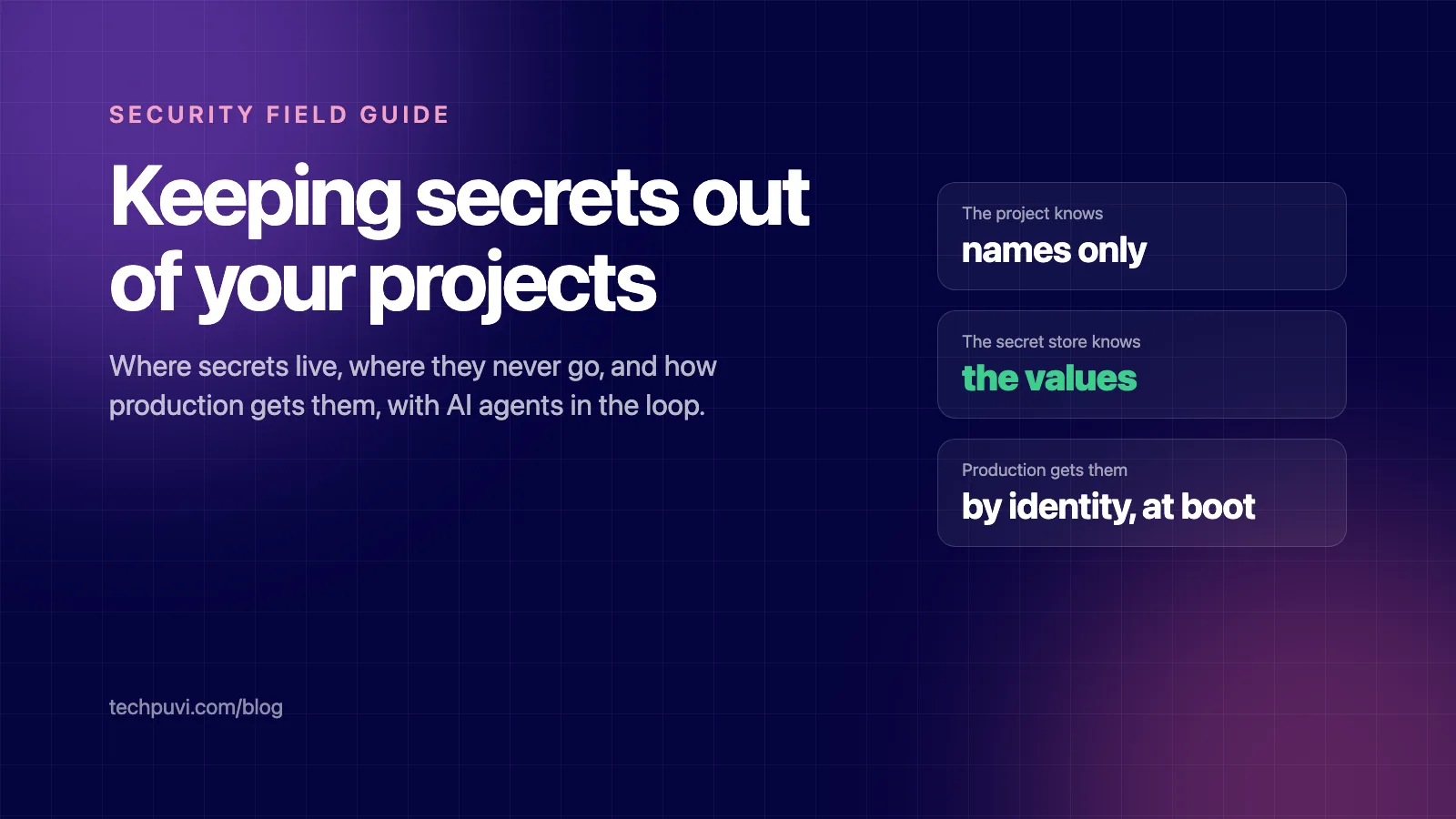
The project knows the names. The secret store knows the values. Production gets them by identity, at boot. Nothing else ever sees them.
Building with AI agents and want this posture from day one? Talk to us at Techpuvi.