
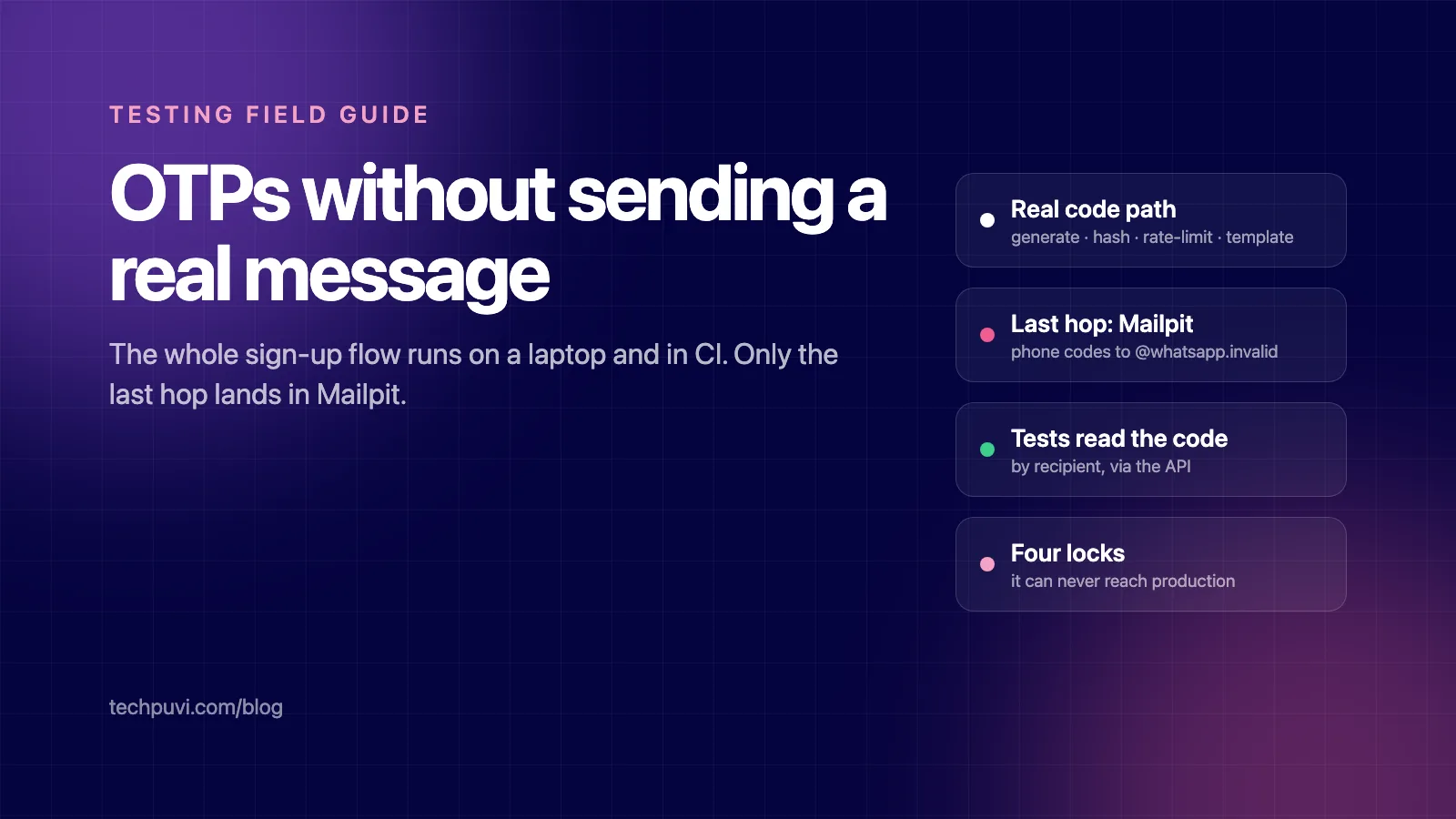
The first real feature of almost every product is sign-up, and in India sign-up is phone-first. You type your mobile number, a six-digit code arrives on WhatsApp (or by SMS as a fallback), you type it back, and then you verify your email the same way. This is the story of how one team learned to test OTP sign-up end to end, on laptops, in automated tests and in CI, without sending a single real message, using a small open-source tool called Mailpit.
The questions that arrive on day one
The moment a phone-first sign-up screen works for the first time, a set of awkward questions shows up:
Where do the codes go when a developer signs up a test account on their laptop? Their own phone, every time, for every test?
What does an automated test do? It cannot read a WhatsApp message.
What happens at 2 a.m., when an AI coding agent runs the sign-up tests forty times in a loop? Forty real, paid WhatsApp messages to a number someone typed into a fixture?
And the frightening one: what if a test, a seed script or a typo sends a code to a real customer?
The usual answers each fall short somewhere:
The usual answer | Where it falls short |
|---|---|
Use the real provider with a test number | It costs money, needs real credentials on every laptop, and the provider rate-limits you halfway through a test run |
Print the code to the console in development | Codes now live in logs. One wrong flag in production and real customers' codes sit in your log aggregator |
Mock the sender in tests | Fine for unit tests, but the real path never runs, and nobody can click through sign-up on a laptop |
What the team wanted was the whole real flow: the button click, the database, the rate limits, the message template and the send, with only the final hop swapped for something that stays on the machine.
Meet Mailpit, the inbox that delivers nothing
Mailpit is a small, open-source email testing tool that runs as a single binary or a tiny container. It gives you three things:
an SMTP server (port 1025 by default) that accepts any mail sent to it and delivers it nowhere;
a web inbox (port 8025) showing every message it caught, in HTML and plain text;
a REST API to list, search, read and delete messages, which is what turns it into a test tool.
It is the actively maintained successor to the older MailHog. Out of the box it catches email. The twist in this story is that phone codes go through it too.
Chapter 1: one more container
Mailpit joined the other local side services in Docker Compose:
# compose.yml: local development side services
services:
  mailpit:
    # Pin by version AND digest, so every machine runs the same build
    image: axllent/mailpit:v1.33.1@sha256:aef2aacc11f075ec0fb6874275ee4a421e688e11a96ebb296134d1735c7761ce
    ports:
      - "127.0.0.1:1025:1025"   # SMTP
      - "127.0.0.1:8025:8025"   # web inbox and API
Two details matter more than they look:
Bind to
127.0.0.1, not0.0.0.0. Mailpit's inbox and API have no login by default. Published on every interface, anyone on the café Wi-Fi could read every code your app sent. Bound to localhost, only your machine can.Pin the version by digest. With
latest, every developer and every CI run can be on a different Mailpit with different bugs. Chapter 6 is the story of why this matters.
# Start the side services; stopping them removes the inbox too, so each day starts fresh
docker compose up -d mailpit
docker compose down
Chapter 2: an app that does not know it is local
The decision that made everything else work was not about Mailpit at all. It was about how the app sends messages. Business code never calls an SMS, WhatsApp or email provider directly. Every outgoing message goes through one of two small interfaces:
interface EmailSender {
  send(mail: Mail): Promise<Delivered>;
}

interface PhoneCodeSender {
  sendCode(code: PhoneCode): Promise<Delivered>;
}
In production, these are the real providers. In local development, both are backed by one tiny SMTP client pointed at Mailpit. Email codes go to the address the user typed. Phone codes go to Mailpit as email too, to a mailbox built from the number: 919876543210@whatsapp.invalid.
For a Node service, the local phone sender can be as small as this:
import nodemailer from "nodemailer";

const mailpit = nodemailer.createTransport({ host: "127.0.0.1", port: 1025, secure: false });

export class MailpitPhoneCodeSender implements PhoneCodeSender {
  async sendCode(code: PhoneCode): Promise<Delivered> {
    // The REAL message template, with the code exactly where it would appear on WhatsApp
    const text = renderTemplate("signin_code", { code: code.value });

    await mailpit.sendMail({
      from: "codes@myapp.invalid",
      to: `${code.phoneDigits}@whatsapp.invalid`,
      subject: text, // the code shows in the inbox list without opening anything
      text,
    });

    // Report the production channel, so every screen behaves exactly as it will live
    return { channel: "whatsapp" };
  }
}
Three small touches made it feel natural. The phone "mail" carries the real WhatsApp template text, so what you read in Mailpit is what a user would read on their phone. The subject line holds the message, so the code is visible at a glance. And the sender still answers whatsapp, so the app shows the same "We sent a code to your WhatsApp" screen it shows in production. No screen knows it is running locally, so no screen behaves differently.

Crucially, everything before the last hop is the real code path. The code is generated, hashed and stored. Rate limits and lockouts apply. The outbox row is written and the background worker picks it up. The template is rendered from the real message catalogue. When sign-up works on a laptop, it is because sign-up works, not because a mock said so.
The developer's day now looks like this:
Start the stack: Mailpit, migrations, the API, the worker and the web app.
Open the app and sign up with any mobile number.
Open
http://localhost:8025: the WhatsApp code is in the inbox list.Type it in. Then the same for the email code.
No phone, no provider account, no cost, no risk.
Chapter 3: four locks between Mailpit and production
A local sender is dangerous if it can ever switch on in production. Picture production quietly "sending" every customer's sign-in code to a Mailpit that is not there: everyone locked out, and no alarm. So the team built four independent locks, any one of which would stop it on its own.
Lock | What it does |
|---|---|
1. Not compiled in | The Mailpit sender sits behind a build-time flag ( |
2. Refused by a lint | A project lint scans Dockerfiles, deploy scripts, server Compose files and CI release jobs, and fails if any of them enables |
3. Refused at boot | The variable that turns Mailpit on is checked at startup: local environment only, |
4. Proven before every deploy | A release script starts the actual release build with the Mailpit variable set and checks that it refuses to start |
Lock 3, as a boot check:
const mailpit = process.env.MYAPP_LOCAL_MAILPIT_SMTP?.trim();

if (mailpit) {
  if (process.env.MYAPP_ENV !== "local") {
    throw new Error("MYAPP_LOCAL_MAILPIT_SMTP is allowed only when MYAPP_ENV=local");
  }
  if (!mailpit.startsWith("127.0.0.1:")) {
    throw new Error("MYAPP_LOCAL_MAILPIT_SMTP must point at 127.0.0.1");
  }
  if (process.env.MYAPP_WHATSAPP_TOKEN || process.env.MYAPP_EMAIL_API_KEY) {
    throw new Error("MYAPP_LOCAL_MAILPIT_SMTP cannot be set alongside real provider credentials");
  }
}
And lock 4, which turns "it can never happen" into a tested fact:
# The release build MUST refuse to start with the local sender configured
if docker run --rm \
     -e MYAPP_ENV=production \
     -e MYAPP_LOCAL_MAILPIT_SMTP=127.0.0.1:1025 \
     myapp:release --check-config; then
  echo "Release build accepted the local Mailpit sender. Stopping the deploy." >&2
  exit 1
fi
A refusal stops the app at boot with a clear message; it never falls back quietly. Each lock is a few lines, and together they give the question "could production send codes to Mailpit?" a tested answer: no.
Chapter 4: codes never touch a log
Before Mailpit, the tempting shortcut was "just print the code in development". The team banned it outright. The app never logs a code in any environment, and neither do the smoke test or the helpers that read codes from Mailpit. The only place a developer ever sees a code is the inbox on their own machine.
Chapter 5: tests that read their own codes
Mailpit's API is what turned a pleasant local inbox into a test tool.
A smoke test for the whole stack
One command starts the full local stack and then does what a person would, entirely through the API: request a sign-up code for a fresh random number, read it from Mailpit, verify it, do the same for the email code, create a workspace, call /me with the new session, sign out, sign back in with a new code, then stop everything and check the ports are free. At its heart is one small function that waits for the newest message to an address and pulls out the six digits:
mailpit=http://127.0.0.1:8025

code_for() {
  local address="$1" deadline=$((SECONDS + 30)) id=""
  while [ -z "$id" ]; do
    [ "$SECONDS" -lt "$deadline" ] || { echo "no mail to $address" >&2; exit 1; }
    id="$(curl -fsS -G "$mailpit/api/v1/search" \
            --data-urlencode "query=to:\"$address\"" \
          | jq -r '.messages[0].ID // empty')"
    [ -n "$id" ] || sleep 1
  done
  curl -fsS "$mailpit/api/v1/message/$id" | jq -r '.Text' | grep -oE '[0-9]{6}' | head -n 1
}

phone_code="$(code_for "919876543210@whatsapp.invalid")"
email_code="$(code_for "owner+$RANDOM@example.com")"
Browser tests that sign up like a person
The browser tests do the same through the real web app: type a number, press "Send code", read the code from Mailpit's API, and type it into the code boxes. With Playwright, the helper and a test look like this:
import { expect, test, type APIRequestContext } from "@playwright/test";

const MAILPIT = "http://127.0.0.1:8025";

async function codeFor(request: APIRequestContext, address: string): Promise<string> {
  let code = "";
  await expect(async () => {
    const search = await request.get(`${MAILPIT}/api/v1/search`, {
      params: { query: `to:"${address}"` },
    });
    const newest = (await search.json()).messages[0];
    expect(newest).toBeTruthy();
    const message = await (await request.get(`${MAILPIT}/api/v1/message/${newest.ID}`)).json();
    code = /\b\d{6}\b/.exec(message.Text)?.[0] ?? "";
    expect(code).not.toBe("");
  }).toPass({ timeout: 30_000 });
  return code;
}

test("a new user signs up with a phone code", async ({ page, request }) => {
  // A random number per test, so parallel tests never read each other's codes
  const digits = `9198${Math.floor(10_000_000 + Math.random() * 89_999_999)}`;

  await page.goto("/signup");
  await page.getByLabel("Mobile number").fill(`+${digits}`);
  await page.getByRole("button", { name: "Send code" }).click();

  const code = await codeFor(request, `${digits}@whatsapp.invalid`);
  await page.getByLabel("Verification code").fill(code);
  await expect(page.getByText("Verify your email")).toBeVisible();
});
Three habits made these tests reliable:
Every test uses its own random phone number and email address, so tests running side by side never read each other's codes.
Search by recipient and take the newest. Never "the latest message in the inbox", which is a race the moment two things send at once.
Clean up only your own mail, by recipient. Never empty the whole inbox: a developer might be reading it.
Chapter 6: the night Mailpit locked up
This is the part of the story that changed how the tests use Mailpit, and it is worth telling because it is not obvious.
At first, the browser tests shared the same long-lived Mailpit a developer used all day. One night, during an unattended test run, Mailpit started logging database is closed and then stopped answering its API altogether, while its health check still reported healthy. Every test waiting for a code timed out. A restart helped for a few minutes, and then it hung again.
What happened | Why |
|---|---|
The cleanup was too clever | After each test file, a helper deleted the messages it had read by sending a list of message IDs. A worker running a second file re-sent IDs it had already deleted |
The pinned version had a bug | A delete naming an ID that no longer existed left Mailpit's database locked, and every later call hung. It had already been fixed upstream a few releases later |
The fix had three parts, and all three are worth copying:
Upgrade, and pin by digest, in both the development and the test Compose files.
Delete by search, not by a list of IDs. Deleting by recipient is safe to repeat and never names an ID that is gone.
Give each test run its own Mailpit. The end-to-end harness starts a fresh container, checks it is empty, and removes it afterwards.
# A fresh, pinned Mailpit for this test run only
run="mailpit-e2e-$$"
docker run -d --rm --name "$run" -p 127.0.0.1::1025 -p 127.0.0.1::8025 "$MAILPIT_IMAGE"
api="http://$(docker port "$run" 8025 | head -n 1)"

# It must start empty
[ "$(curl -fsS "$api/api/v1/messages" | jq '.total')" = 0 ] || { echo "inbox not empty" >&2; exit 1; }

# Clean up one recipient's mail by search: safe to repeat, never names a stale ID
curl -fsS -X DELETE -G "$api/api/v1/search" --data-urlencode 'query=to:"919876543210@whatsapp.invalid"'

# ...run the suite, then throw the inbox away
docker rm -f "$run"
Both lessons became regression tests: one reads and clears its mail twice and then checks Mailpit still answers, and another checks that each test starts with none of the previous test's mail.
Shared, long-lived test infrastructure turns one bad call into many failures. Isolate per run wherever it is cheap. With Mailpit, it costs about a second.
Chapter 7: testing the sender itself
The small SMTP client that talks to Mailpit is real code, so it gets real tests, run against a tiny fake SMTP server inside the test. They check that the session follows SMTP properly (EHLO, MAIL FROM, RCPT TO, DATA, QUIT, with the right reply codes); that a message carries both a plain-text and an HTML body and a UTF-8 subject, since message catalogues often hold several Indian languages; and that errors are classified correctly: a 5xx reply is a hard refusal, while a 4xx, a timeout or a closed connection is retryable, so the background job tries again.
That fake server taught one more lesson. It replied 221 bye before it finished recording the session, so now and then the test checked the record before it was saved: green on fast machines, red under load in CI. The fix was to make the test wait for the fake server to finish recording, not to loosen the check. Fake servers deserve the same care as real code.
A checklist for adding Mailpit to your project
Run it locally, bound to
127.0.0.1and pinned by digest.Put every outgoing message behind a sender interface. Business code calls
EmailSenderandPhoneCodeSender, never a provider SDK.Write one local implementation that speaks SMTP to Mailpit. Email goes to the real address; phone codes go to
<digits>@<channel>.invalidwith the real template text and the code in the subject; the sender is on.invalidtoo.Keep the real path real: generation, hashing, rate limits, outbox and templates all run as in production.
Lock it out of production in layers: a build flag, a lint, a boot-time check, and a deploy test proving the release build refuses it.
Never log codes, in development, in tests or in the smoke script.
Read codes through the API:
GET /api/v1/search?query=to:"<address>"for the newest message,GET /api/v1/message/<ID>for its text, a random recipient per test, andDELETE /api/v1/searchby recipient to clean up.Give automated runs their own Mailpit, and keep the long-lived one for humans.
Add a smoke command that signs up end to end through the real stack, and run it after any change to the dev setup.
What it bought
Before | After |
|---|---|
Real messages, or no real test | Zero messages sent from development or tests, ever |
Provider credentials on every laptop | No provider credentials on developer machines at all |
Sign-up mocked in tests | The real flow runs everywhere: sign-up, sign-in and step-up verification, by people and by tests |
Overnight test loops a cost and a risk | AI agents can test sign-up all night, hundreds of times, safely |
"It should never reach production" | Four independent locks, each one tested |
The same thinking runs through two related guides: keeping secrets out of your projects, which is why no provider key needs to live on a laptop at all, and the night a 64 GB Mac ran out of room, where a stuck mail catcher was one of the gremlins.
Watch: Mailpit in a few minutes
For a quick visual tour of installing Mailpit and using its inbox and API, this walkthrough from Programming Kit covers the basics.
Mailpit is a small tool. The value came from treating it as the last hop of a real pipeline rather than as a mock, and from fencing that last hop off from production so firmly that nobody ever has to wonder.
Building a phone-first product and want sign-up you can test end to end from day one? Talk to us at Techpuvi.